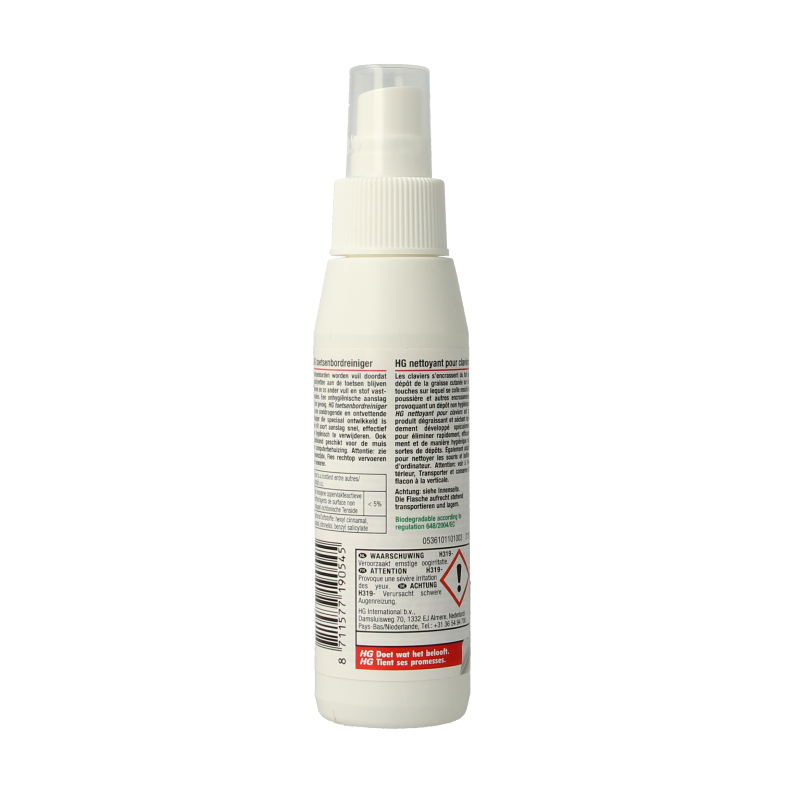
HG keyboard cleaner Keyboard residue is caused by (skin) oils that stick to the keys, trapping other dirt and dust. The result is unhygienic residue. With our keyboard cleaner, cleaning a keyboard has never been easier, with maximum hygiene. The product is also suitable for cleaning the mouse and computer case.
Usage Cleaning your keyboard? Follow the steps below to remove residue from keyboards quickly, effectively, and hygienically with HG keyboard cleaner:
1. First, disconnect the keyboard from the computer or turn it off completely. 2. Then spray HG keyboard cleaner onto a clean, lint-free cloth and clean the keyboard with it. Do not spray the keyboard cleaner directly onto the keyboard.
3. To get between the keys, you can use a cotton swab, for example.
Warnings Transport and store bottle upright. Discolouration of the plastic caused by sunlight is not removed by HG keyboard cleaner.
P101- If medical advice is needed, have product container or label at hand. P102- Keep out of reach of children. P264- Wash hands thoroughly after handling. P305+P351+P338- IF IN EYES: Rinse cautiously with water for several minutes. Remove contact lenses, if present and easy to do. Continue rinsing.
Manufacturer / Distributor HG International BV,
PJ Oudweg 41,
1314 CJ Almere